
Opera
Opera is a free web browser for Windows from Opera Software. The stable release is 136.0.6008.22, published on 17 September 2026.
133.1 MB

Safe Exam Browser is a free lockdown browser for Windows, macOS and iOS that schools use to run online exams securely.
Average 0.0 · ratings: 0
Thank you! Your rating is saved; you can change it. Could not save the rating. Please try again later. Too many ratings from your network today. Please try again tomorrow. The average appears after 5 ratings.
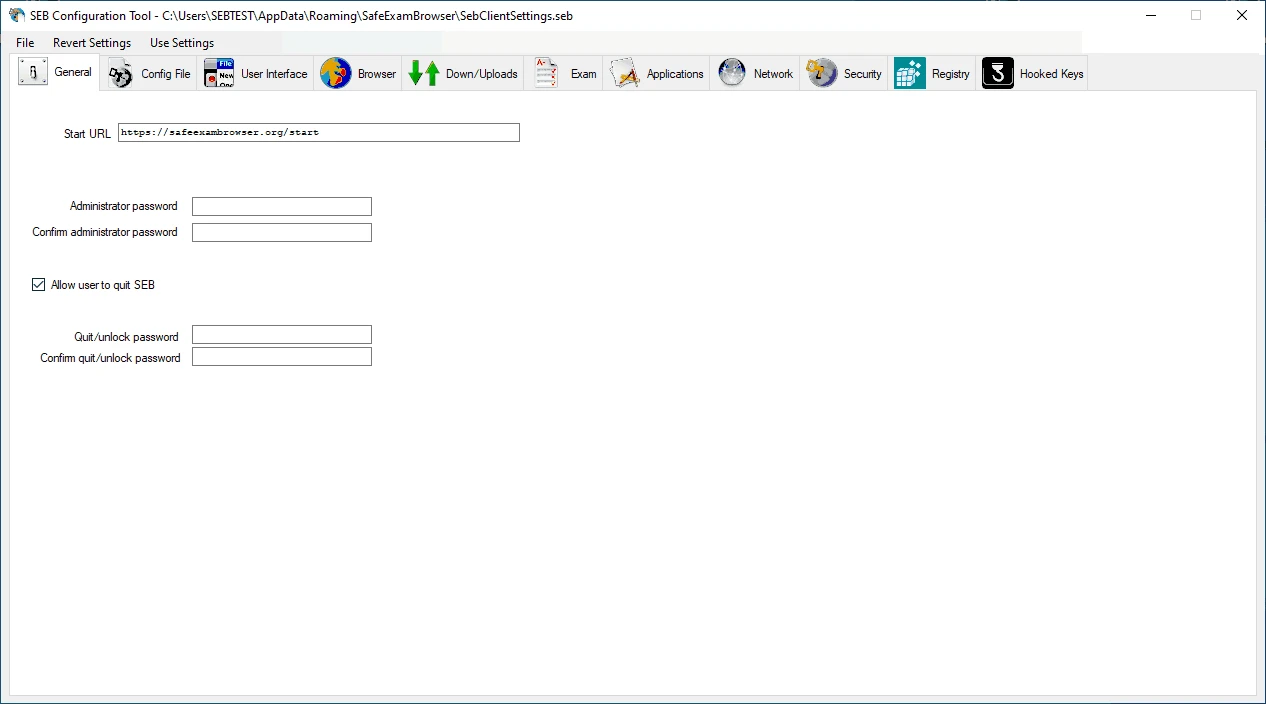
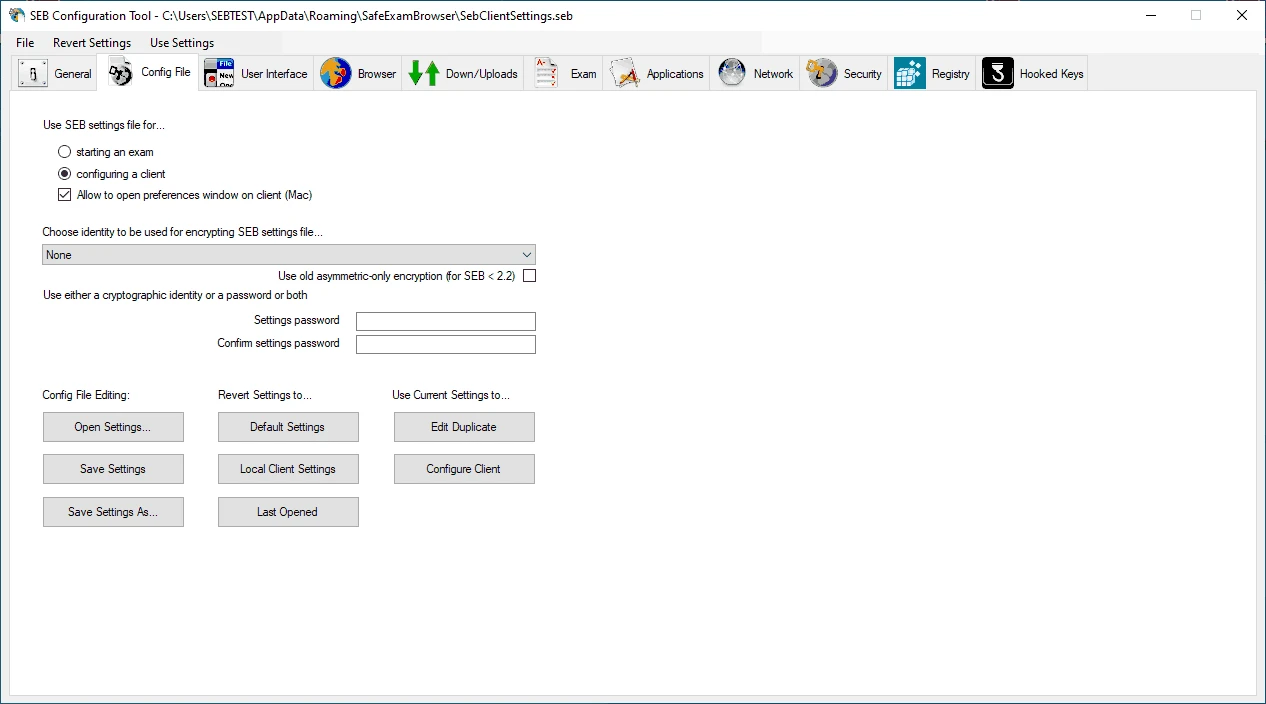
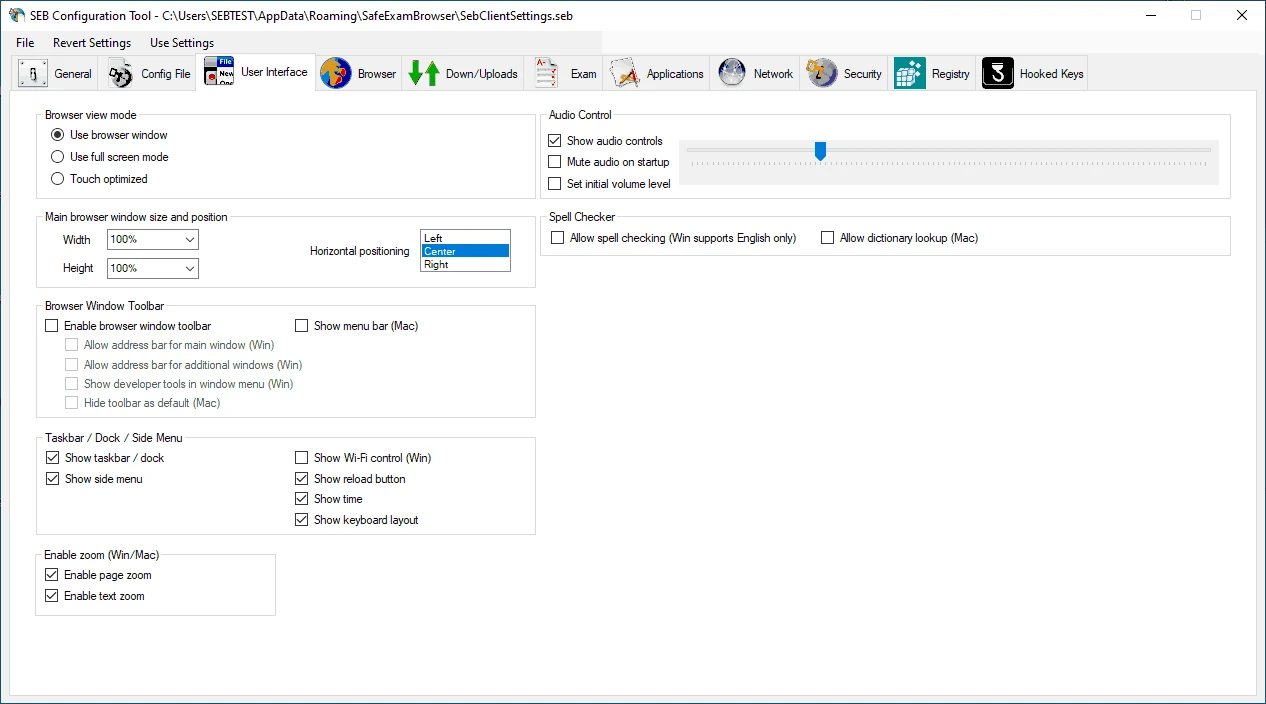
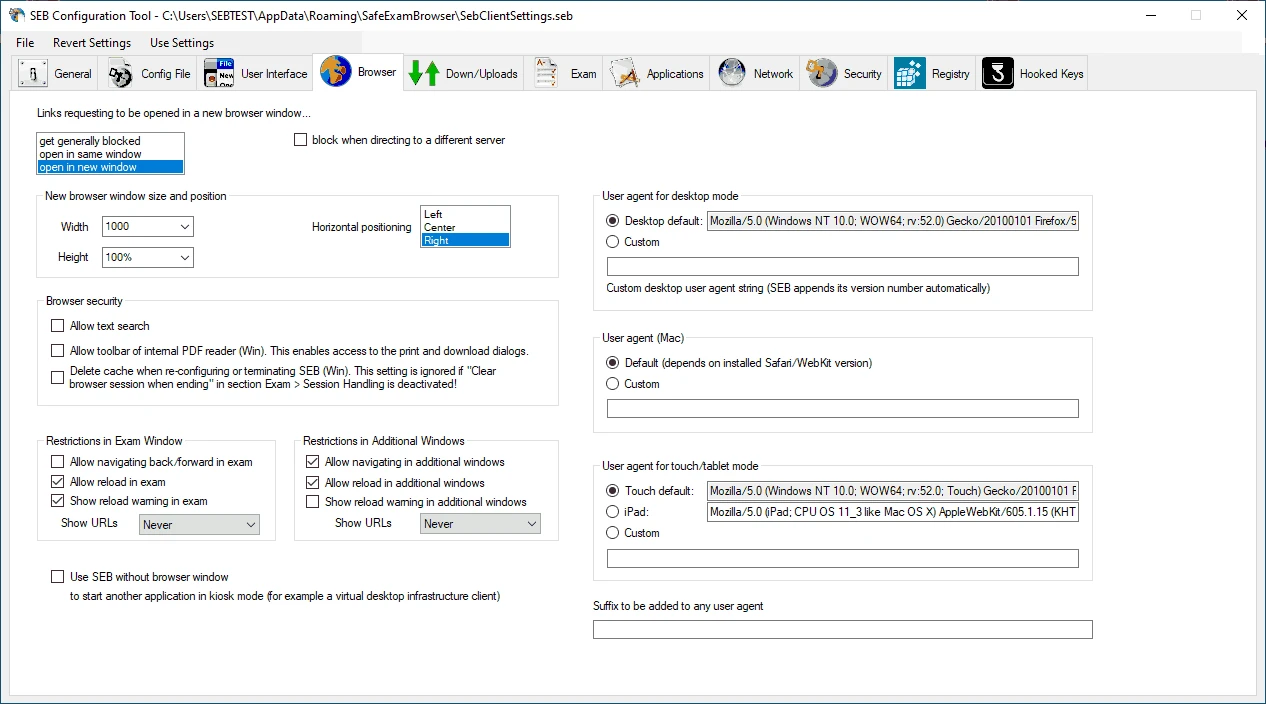
Safe Exam Browser 3.10.2 is a free lockdown browser for Windows that turns a computer into a secure workstation for online exams. Students download Safe Exam Browser when their school or university requires it for a test on an e-learning platform, and educators use it to prevent access to other programs and websites during the exam.
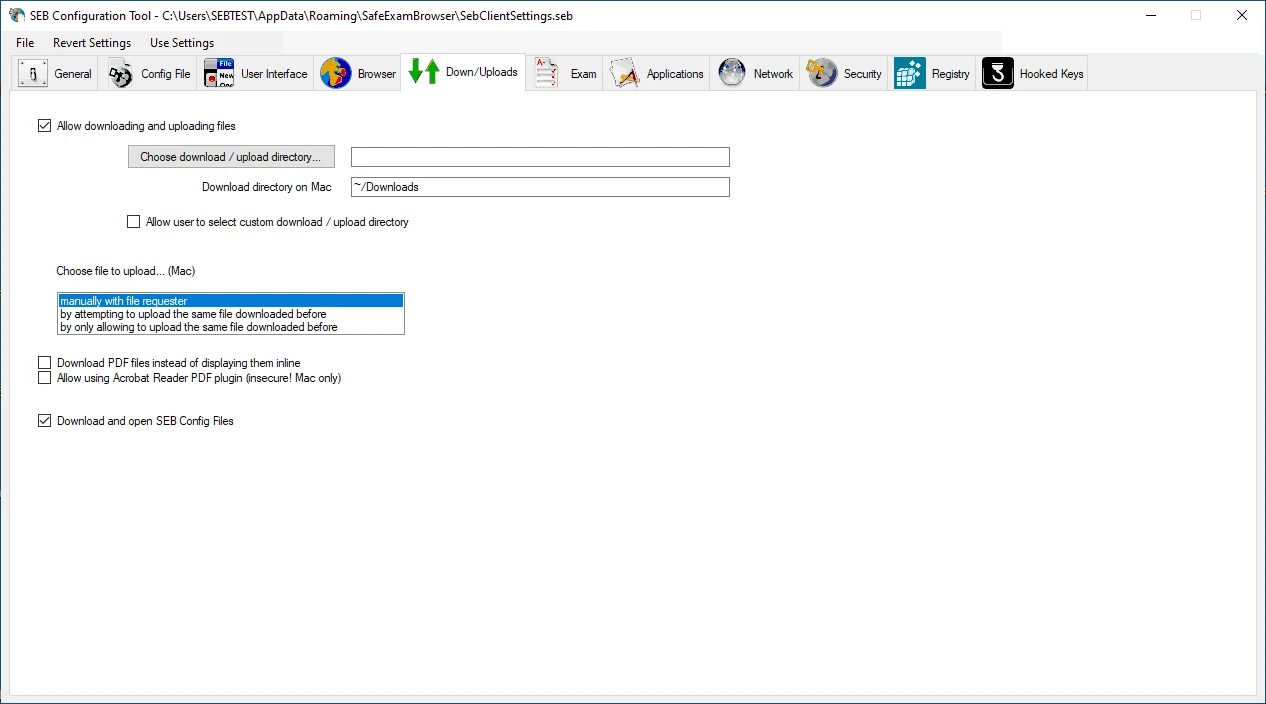
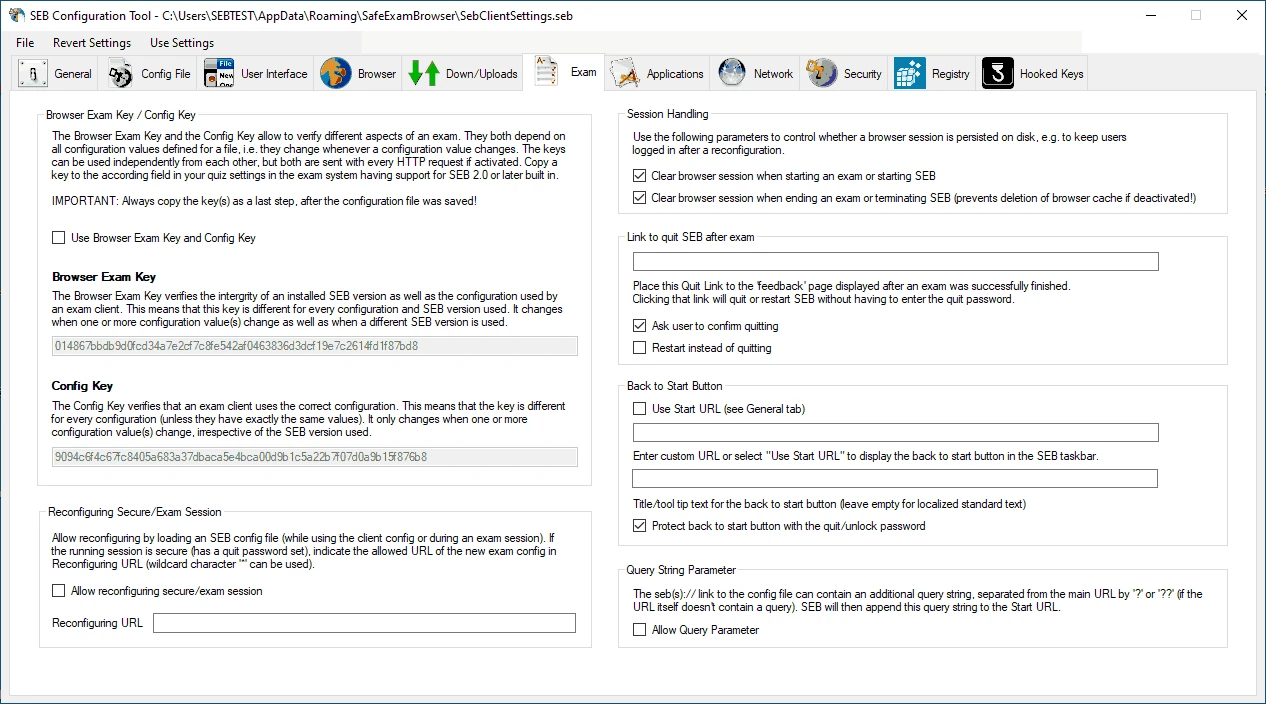
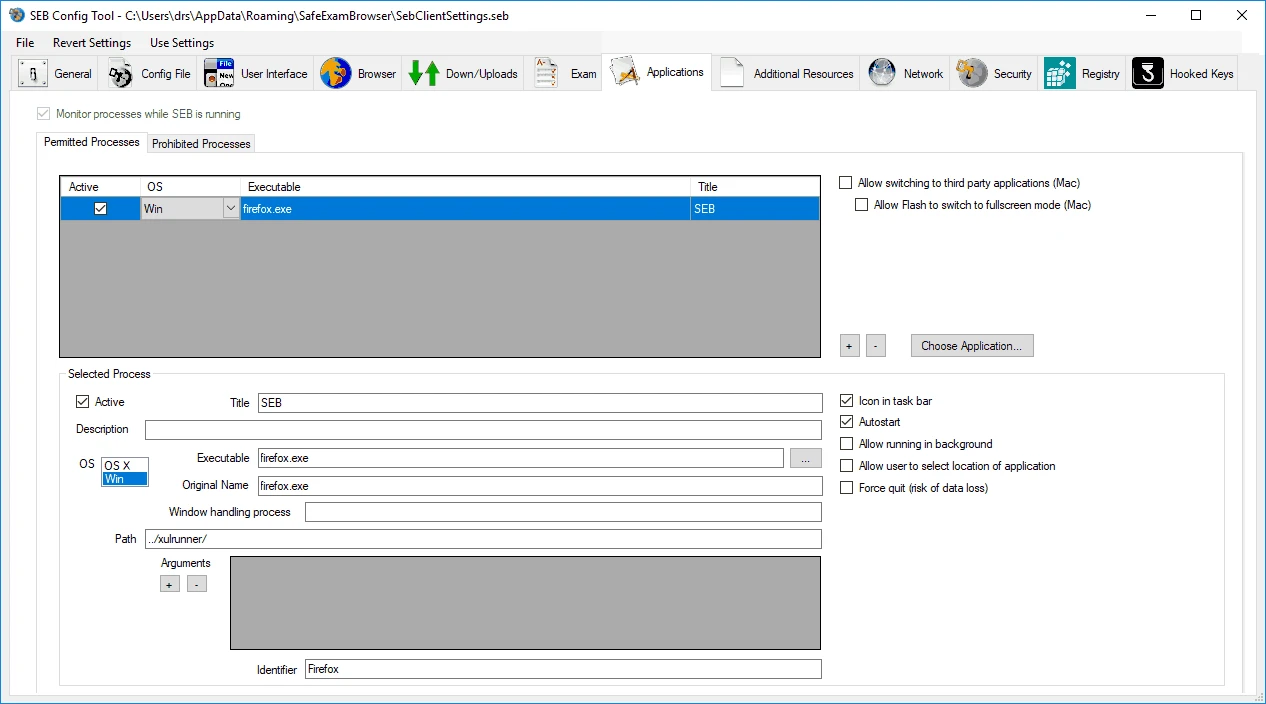
Most people install Safe Exam Browser, often called SEB, because an instructor tells them to. Universities, schools and training companies run quizzes on learning management systems, and SEB makes sure that during the exam the student sees only the test. It opens in full-screen kiosk mode, blocks switching to other applications, disables keyboard shortcuts such as copy and paste or task switching, prevents screen capture and restricts browsing to allowed addresses. Exams are usually started from a special configuration file or link provided by the teacher, which sets exactly what is allowed. Teachers and administrators are the second audience: they prepare the configuration, decide on allowed tools such as a calculator, and check that each student uses a genuine SEB version. If nobody has asked you to use SEB, you do not need it; as an everyday browser it would only get in the way.
The current Windows build requires Windows 10 (Version 1803 or newer) or Windows 11. SEB also exists for macOS and iOS, with separate versions. The Windows installer is large, about 363.04 MB according to catalogue data, as it includes the browser engine and runtimes. Virtual machines and remote desktop sessions are usually blocked by the exam settings.
SEB is an open project run by the Safe Exam Browser organisation, and it only locks the PC while an exam is running. Download it only from safeexambrowser.org or from a link in your school's system; unofficial copies could be modified to cheat or to spy. Read the Windows release notes if your exam requires a specific version.
Safe Exam Browser is free for students and institutions.
If SEB refuses to start, it usually detects a forbidden process such as a screen recorder, remote tool or virtual machine. Close those apps, update Windows, and ask your instructor for the correct version if the exam reports a mismatch.
For everyday browsing use a normal browser such as Microsoft Edge, Firefox ESR or Opera from our site. Alternatives to SEB depend on what your school supports, so check with your instructor first.
Opera is a free web browser for Windows from Opera Software. The stable release is 136.0.6008.22, published on 17 September 2026.

UC Browser for Windows is the desktop version of the web browser from UCWeb, a Chinese mobile internet company.

Google Translate is Google's multilingual machine translation service, used on Windows through the website and a browser extension.

Microsoft Edge is Microsoft's web browser, preinstalled on current Windows versions and available as a free download for reinstalling or updating.

Mozilla Firefox is a free and open-source web browser developed by Mozilla, available for Windows, macOS, Linux, Android and iOS.

Google Chrome is the free web browser from Google. The stable Windows release is 154.0.8037.58, out since 22 September 2026.

Cent Browser is a free Chromium-based browser for Windows from Cent Studio that adds mouse gestures, tab tweaks and other power-user options.